Step 1
Upload a photo
Use any selfie, pet photo, or friend pic from your camera or gallery.
AI mug design app for iPhone
Upload a selfie, pet, or friend. Choose an AI style, preview the mug in 3D, then download your design in HD for sharing or printing.
A simple flow from photo to a finished mug design on your iPhone.
Step 1
Use any selfie, pet photo, or friend pic from your camera or gallery.
Step 2
Choose from free and pro meme styles, or let MugMeme surprise you.
Step 3
Rotate and zoom the mug preview to see how the generated design looks on the finished shape.
Step 4
Save the design in HD, share it with friends, or send it to the printing service you prefer.
Start with free templates or unlock pro-only trends for extra chaos.
Practical ideas and walkthroughs using real MugMeme designs.
Oct 10, 2026
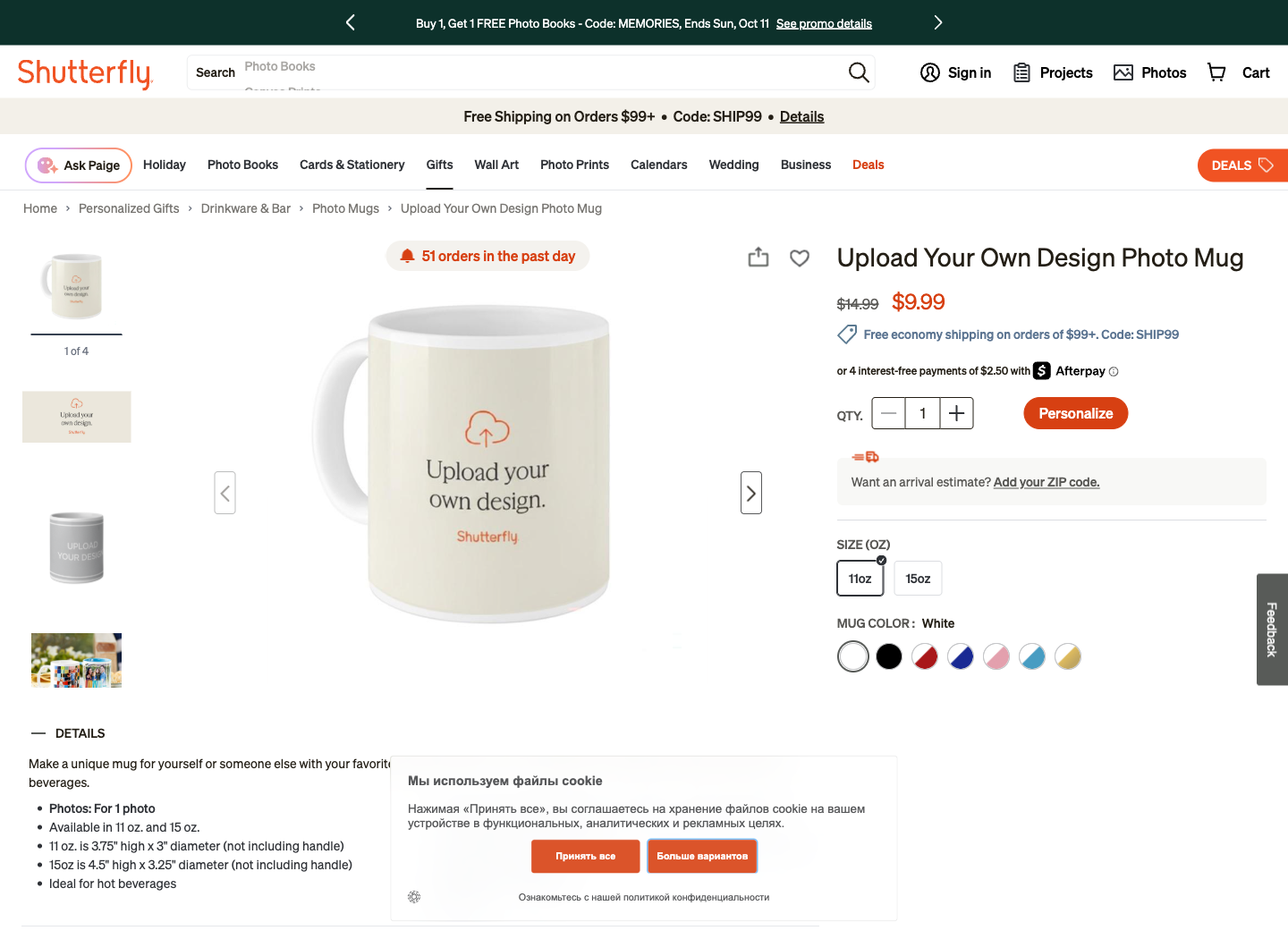
Compare photo mug delivery services and California print shops, then follow a screenshot guide to upload your design, check the preview, and order.
Read guide →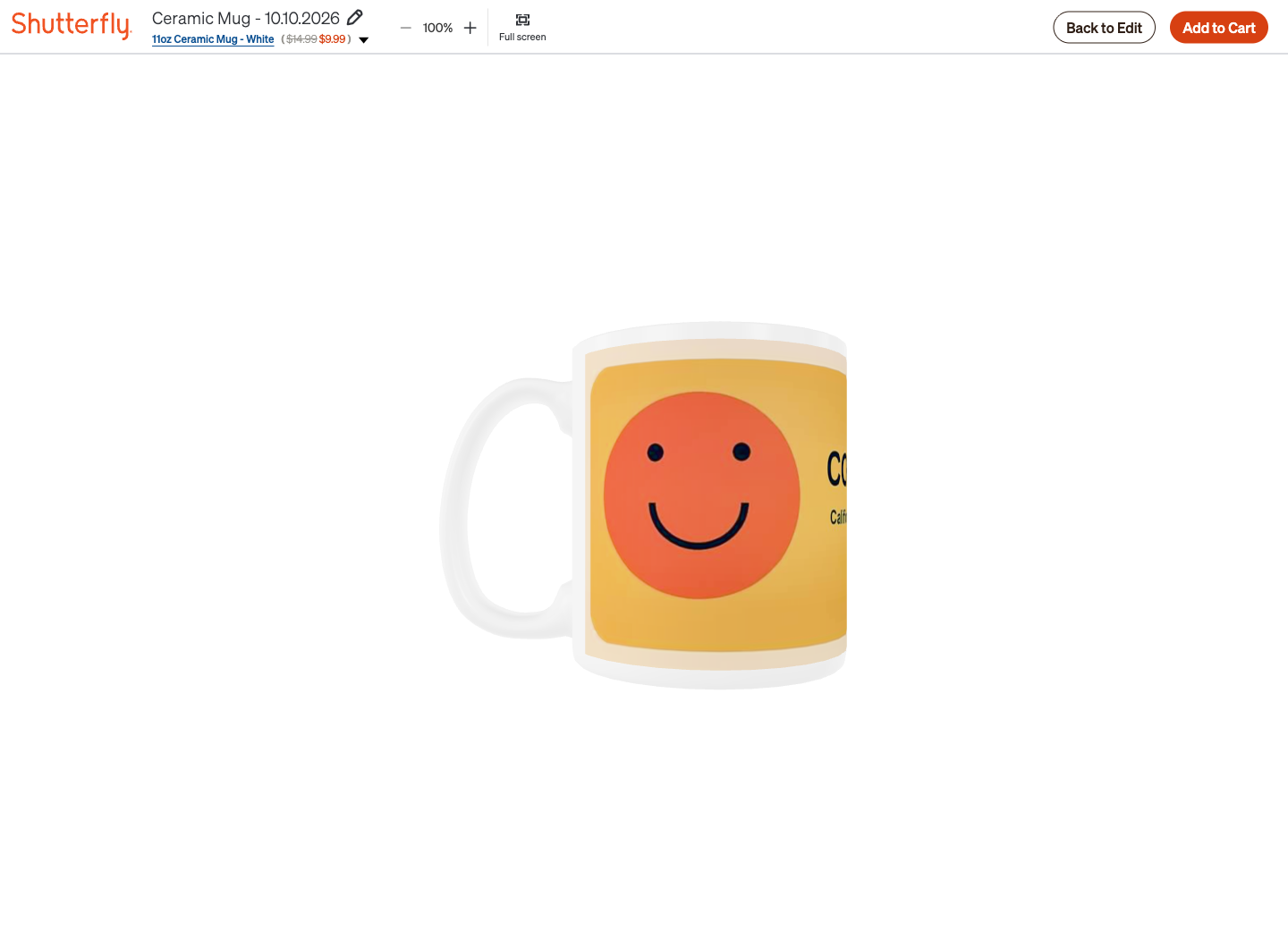
Oct 10, 2026
Upload your photo or MugMeme design to Shutterfly, remove template text, inspect the 3D preview, and order a mug for home delivery.
Read guide →You upload a photo, choose a style, and MugMeme generates your result through AI image processing.
No. Photos may include faces, but MugMeme does not run facial recognition, identity matching, or biometric analysis.
Free gives preview-level flow and selected styles. Pro unlocks more styles and premium download options.
Yes. MugMeme is designed for iPhone and requires iOS 16.0 or later.
Yes. You can download your generated design and send it to the mug printing service you prefer. MugMeme does not currently print or ship physical mugs.
Not yet. MugMeme currently creates, previews, and exports mug designs, but does not print or ship physical mugs.